
Octoprox Enterprise
Everything in Octoprox, plus a record of who got in: every sign-in and API token in the audit log, across the whole install, ready for your SIEM.
Planned Your own identity provider, group sync and SCIM provisioning- Built on the public release Its own image, self-hosted in place of the public one, on the same database.
- Seats and 30 days' grace Seats count active users. A grace period of 30 days follows the expiry date.
- Nobody is ever locked out The license decides only what the audit log records and whether the Activity page can be read.
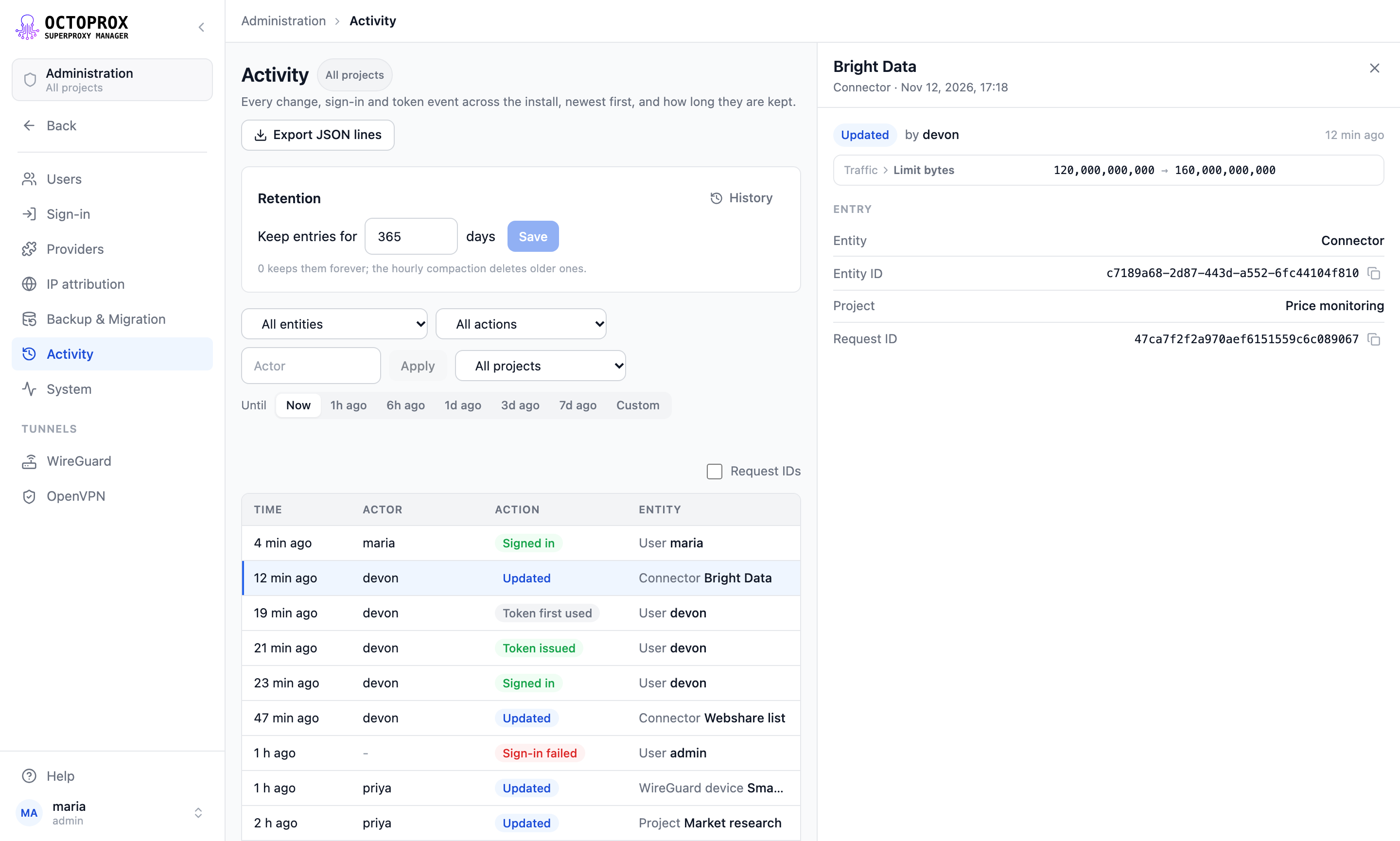
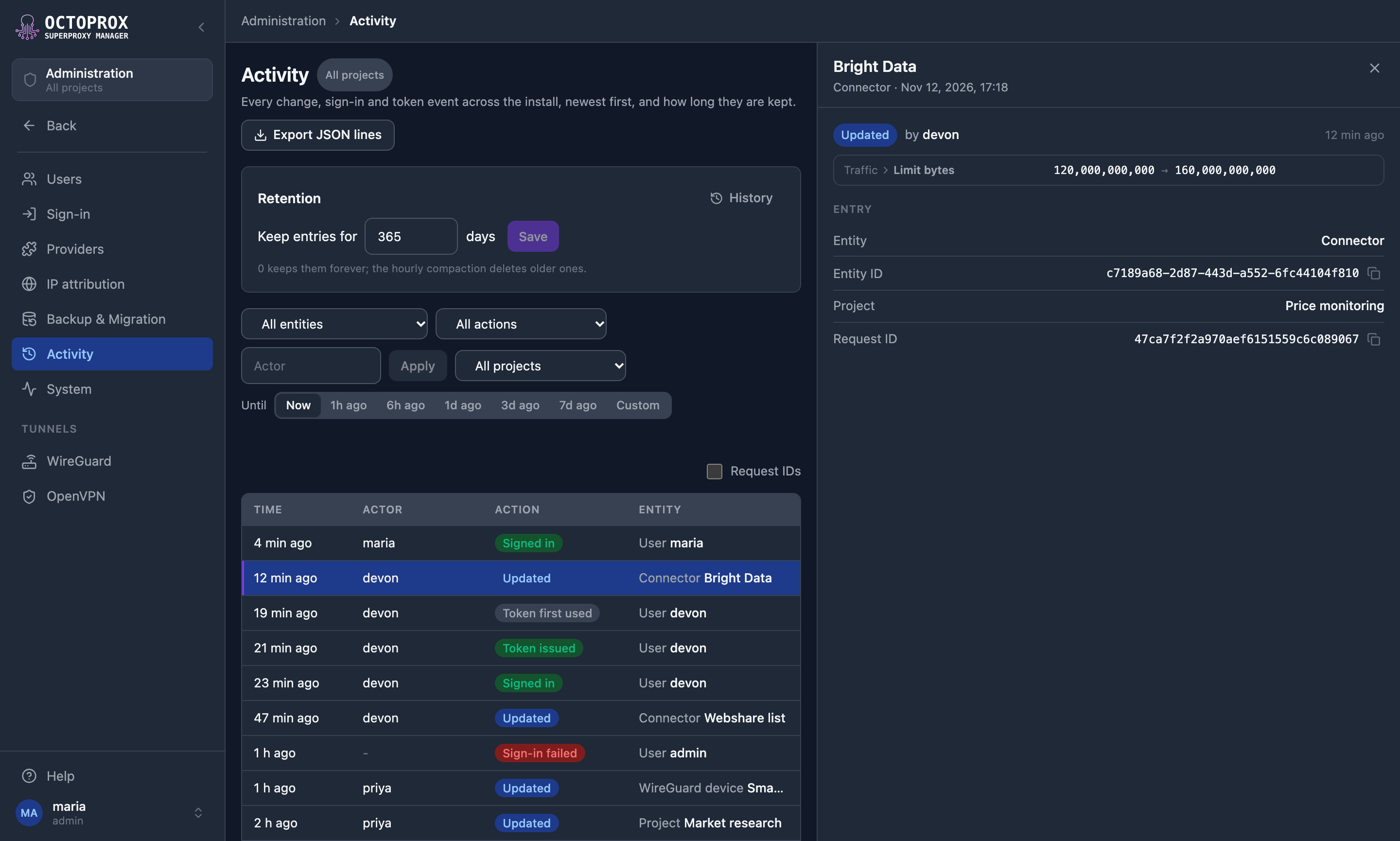
Administration → Activity, with demo data.
Who got in, as well as what changed
Every edition records each change a person makes, with who made it, when and the fields it changed. Enterprise adds four things.
-
Sign-ins
Every sign-in by password, invite link or sign-in provider, failed ones included, with its method, the address it came from and the browser. A failed sign-in records why it was refused.
-
API tokens
Each personal access token issued, used for the first time and revoked, and each sign-in provider account unlinked from a user.
-
The Activity page
Every entry of the install on one page under Administration → Activity, the changes recorded before the license included, filtered by entity type, action, the user who acted, project and time.
-
Export for a SIEM
Every entry under the page's filters as JSON lines, and an
auditline per entry in the server log for a log pipeline to collect.
Same Octoprox, one image swap
Octoprox Enterprise is the public release with the Enterprise package added, published as its own image. Everything else works as it does on the free edition.
services: octoprox:- image: ghcr.io/octoprox/octoprox:latest + image: ghcr.io/octoprox/octoprox-enterprise:6.8.2 -
Run the Enterprise image
In place of the public one. Each Enterprise release follows the public release of the same version.
-
Keep your settings and database
The same settings and roles, on the same database.
-
Paste the license key
On the License card under Administration → System, to turn on what Enterprise adds.
Licensing, plainly
One key turns on what Enterprise adds. Renewing, or adding seats, is a new key pasted over the old one.
- Seats
- Seats count active users. More active users than seats blocks nobody: admins see a banner.
It names
- Organisation
- Seats
- Expiry date
- Features
The License card under Administration → System shows them, with the seats in use.
Expiry, grace and after
Active up to and including the expiry date, then 30 days' grace. In every state, the license decides only what the audit log records and whether the Activity page can be read.
| Active Until expiry | Grace period 30 days | After grace Until a new key | |
|---|---|---|---|
| Sign-in, passwords and tokens | |||
| Changes, with who, when and the fields | |||
| Sign-ins, token events and audit lines in the server log | |||
| The Activity page and its export | |||
Access from your directory
Later releases are planned to hand access control to your directory. None of these is available yet; Single Sign-On describes each as designed.
Planned Domain rules: everyone whose verified email is at your domain signs in and gets a user on first login, with a default role.
Planned Your own identity provider: any OpenID Connect or SAML 2.0 provider, such as Okta, Entra ID, Auth0, Keycloak or Ping.
Planned Group sync: roles from directory groups, re-evaluated on every sign-in.
Planned Enforcement: the identity provider required for everyone except break-glass admins.
Planned Provisioning: SCIM 2.0, so a leaver loses access the moment the directory says so.
Available today On every edition: sign-in with a password or a Google, Microsoft (one Entra tenant) or GitHub account, and personal access tokens.
Free and Enterprise
The same release on both. Enterprise adds a record of who got in, across the whole install.
| Feature | Free | Enterprise |
|---|---|---|
| Proxy routing, providers, IP attribution, tunnel devices, metrics and the dashboard | Yes | Yes, the same release |
| Sign-in with a password or a Google, Microsoft or GitHub account, and personal access tokens | Yes | Yes |
| Every change a person makes, with who, when and the fields it changed | Yes | Yes |
| Sign-ins, failed ones included, with method, address and browser | No | Yes |
| API tokens issued, first used and revoked | No | Yes |
| The whole install's audit log on the Activity page, with filters | No | Yes |
| Export as JSON lines, and an audit line per entry in the server log | No | Yes |
| Domain rules, your own identity provider, group sync, enforcement and provisioning | No | Planned |
| Get started | Get in touch |

Get Octoprox Enterprise
Licenses are arranged by email: write to us for one, or with any question.
- The license key It names your organisation, seats, expiry date and features.
- Access to the image For the GitHub accounts you name, from GitHub's container registry.
- What it turns on Sign-ins, API tokens, the Activity page and export for a SIEM.